Work Structure#
- gemoetry node를 사용해서 오브젝트 만들기
- 오브젝트를 공간에 임포트하기
- Shader Graph 적용해보기
JUST DO IT#
모르거나 헷갈리는 것을 정리하며 나아가기
 1
 2
 3
 4
 5
 6
 7
 8
 9
10
11
12
13
14
15
16
17
18
19
20
21
22
23
24
25
26
27
28
29
30
| struct ImmersiveView: View {
@State private var enlarge: Bool = false
var body: some View {
RealityView { content, attachments in
// Add the initial RealityKit content
if let immersiveContentEntity = try? await Entity(named: "Immersive", in: realityKitContentBundle) {
content.add(immersiveContentEntity)
// attachment를 3D 공간에 배치
if let textAttachment = attachments.entity(for: "description") {
textAttachment.position = [0, 1.2, -1]
content.add(textAttachment)
}
}
} attachments: {
Attachment(id: "description") {
VStack(spacing: 8) {
Text("Noise Texture, Fresnel Effect")
.font(.title)
.fontWeight(.semibold)
}
.padding(24)
.glassBackgroundEffect()
}
}
}
}
|
 1
 2
 3
 4
 5
 6
 7
 8
 9
10
11
12
13
14
15
16
17
18
19
20
21
22
| RealityView { content, attachments in
// 1️⃣ 3D 모델 로드
if let entity = try? await Entity(named: "Immersive", in: bundle) {
content.add(entity) // 2️⃣ scene에 추가
// 3️⃣ SwiftUI attachment를 3D 엔티티로 가져오기
if let textAttachment = attachments.entity(for: "description") {
textAttachment.position = [0, 1.2, -1] // 4️⃣ 위치 설정
content.add(textAttachment) // 5️⃣ scene에 추가
}
}
} attachments: {
// 6️⃣ SwiftUI 뷰 정의 (이 코드가 먼저 평가됨)
Attachment(id: "description") {
VStack {
Text("Noise Texture, Fresnel Effect")
.font(.title)
}
.padding(24)
.glassBackgroundEffect()
}
}
|
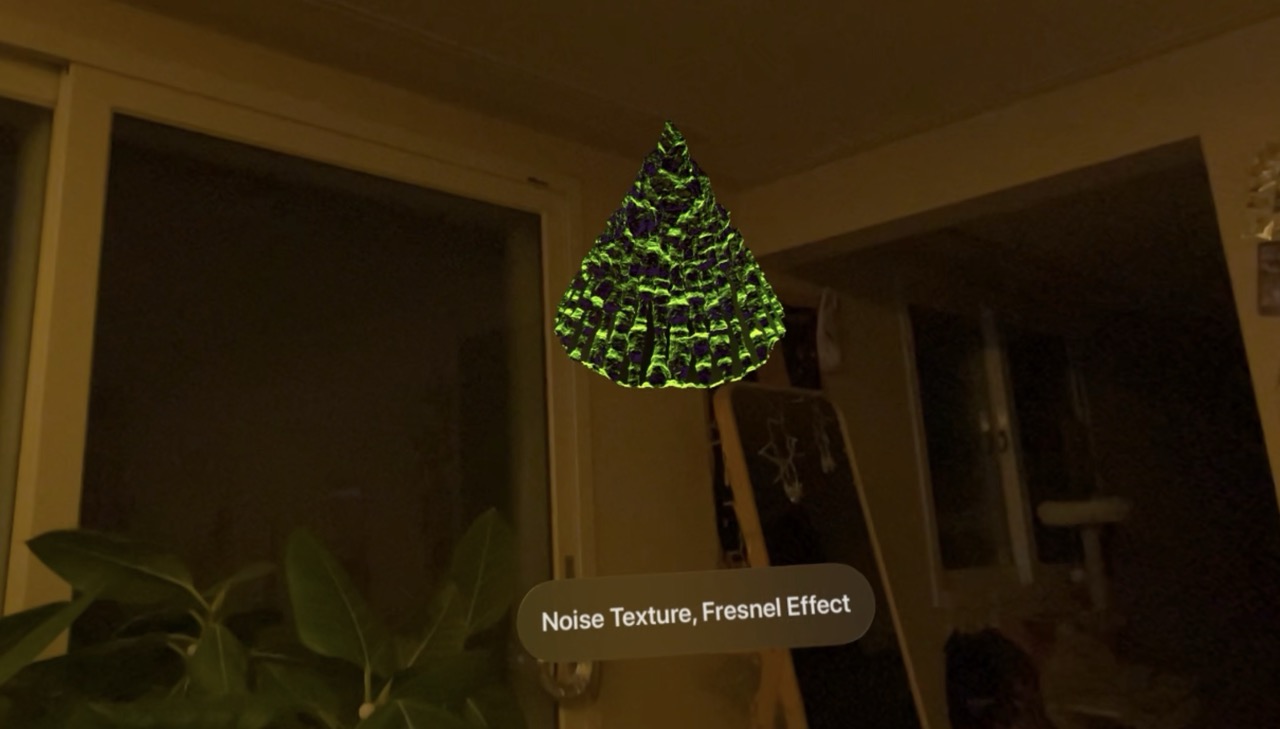
Result#
Daily Immersive - 045, RCP-Shader Graph
One Line Summary#
비전프로의 해상도가 잘 나오니 확실히 쉐이더 그래프도 재밌는 것 같음